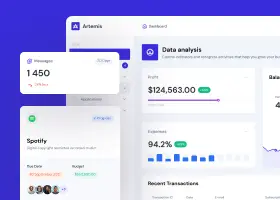
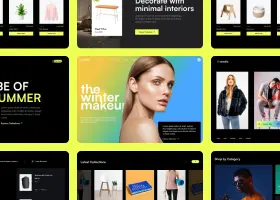
Build or redesign websites instantly using a single command in the terminal.
Capabilities
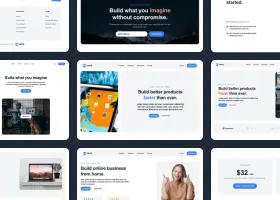
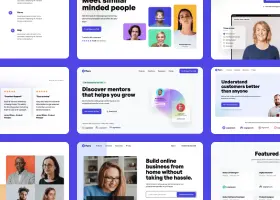
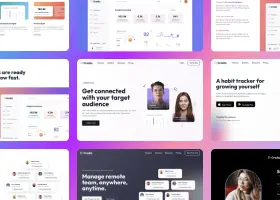
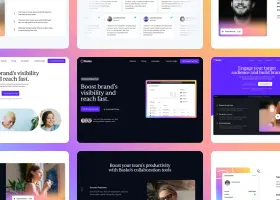
Describe the page you need and the design CLI will generate it using multiple AI models in parallel. You get several design variants to choose from — all as clean, editable HTML & Tailwind CSS.
npx @shuffle-dev/cli design create "..."
This is a command line version of Shuffle's AI Design Arena.
Give the CLI a URL and a direction. It screenshots the live page, then generates a redesigned version — same content, fresh look. Perfect for refreshing clients' sites or exploring new directions.
npx @shuffle-dev/cli redesign create https://example.com "..."
This is a command line version of Shuffle's AI Website Redesign.
Examples
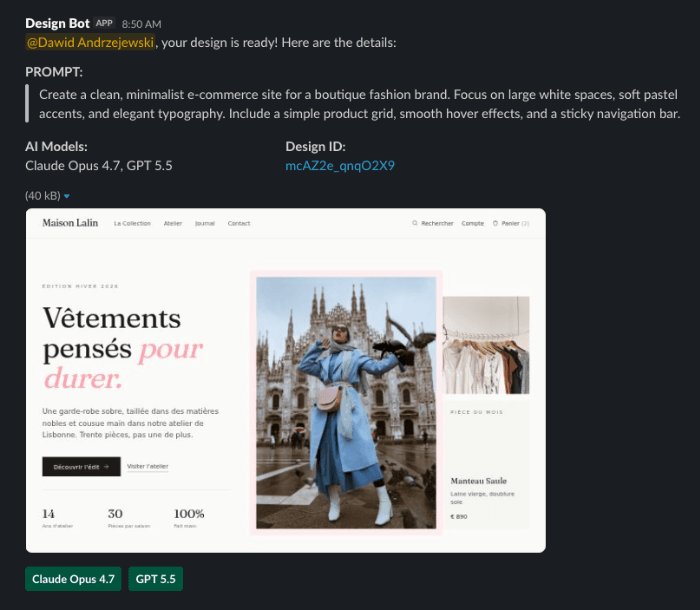
 Slack.
A Slack bot that uses Shuffle's Design CLI to create new designs when mentioned in a channel or messaged directly.
All leading AI design models are supported, including Claude Opus, GPT, Gemini Pro, and Kimi.
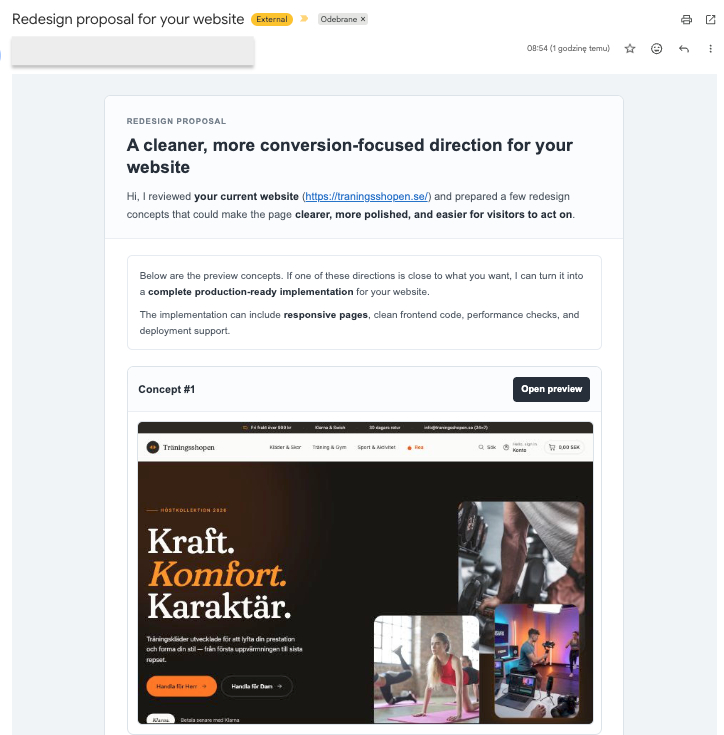
Generate redesigns for prospect websites, review them in a local preview tool, and send polished outreach via Resend.
The workflow tracks generated redesign files and sent emails in your prospect list, so every outreach run stays repeatable.
Quick Start
Shuffle users can generate, redesign, and download projects from scripts, CI jobs, or their own internal tools.
Automated workflows. Run design generation in repeatable commands instead of manual browser sessions.
Custom tools. Build your own prompts, dashboards, and approval flows on top of Shuffle's design engine.
Ready-to-edit output. Download HTML and Tailwind CSS that your team can inspect, modify, and ship.
Join thousands of developers and designers building better UI architecture with Shuffle.
npm install -g @shuffle-dev/cli

Build websites faster with an AI Visual Editor



© 2026 Shuffle. All rights reserved.
See what you're getting before you commit.
Switch the editor to Grid and every page of your project appears side by side on one canvas. Arrange them freely, zoom in and out, and add as many new pages as you need in a few clicks.
Describe what you need in one chat and the Agent does the rest: it adds new sections, edits copy and styles, moves blocks around or removes them across your whole page. No modes, no switching, just tell it what to change.
Not quite there yet? Ask for tweaks like missing assets, your logo or other details, and regenerate the design without starting from scratch.